


 Where to Find Downloads in Google Chrome
Downloaded a file in Google Chrome but aren’t sure where it went? Chrome makes it easy to find your recent downloads once you know where to look.
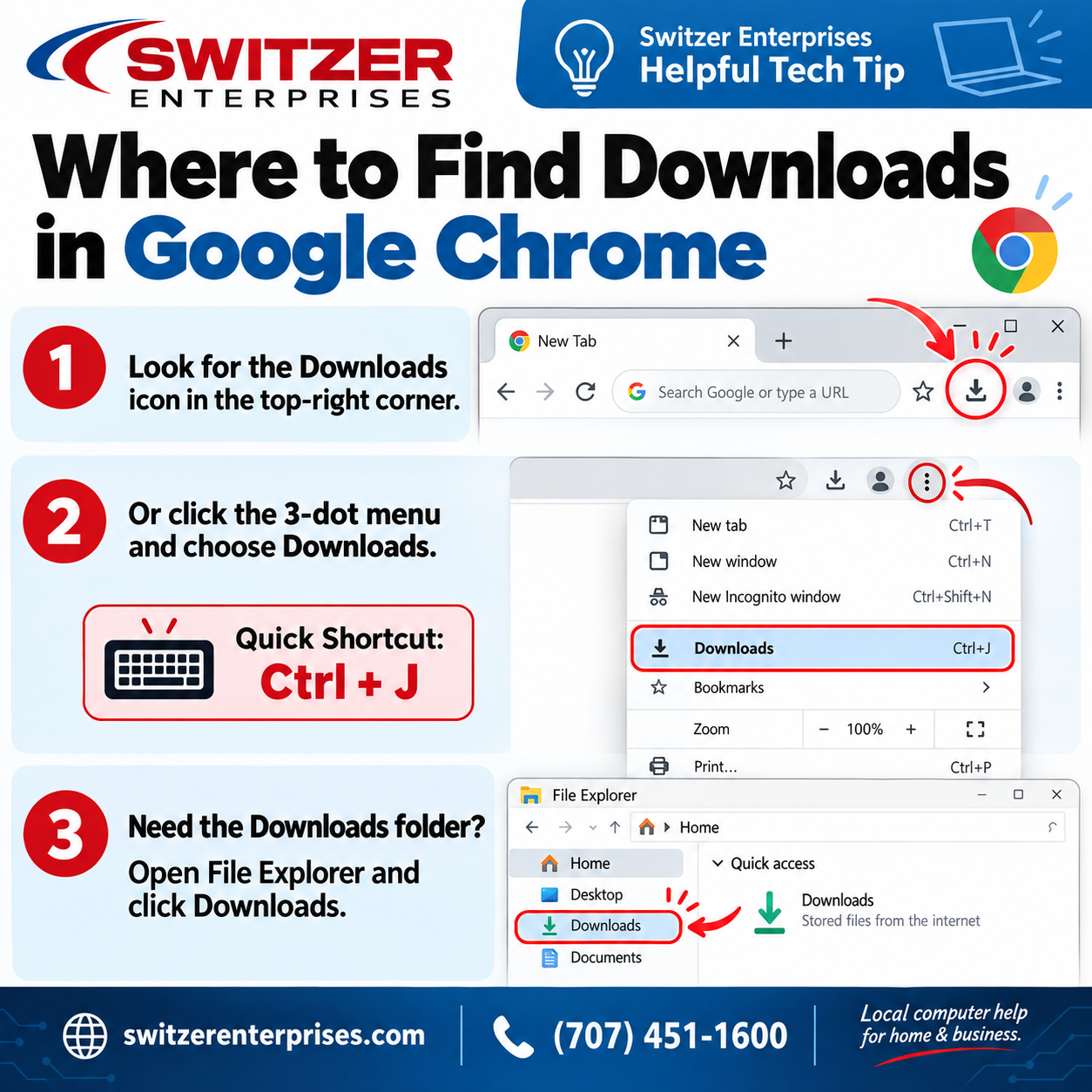
1. Check the Downloads icon
After downloading a file, look near the upper-right corner of the Chrome browser. The Downloads icon will usually appear there, giving you quick access to your recent files.
2. Open Chrome’s Downloads page
Click the three-dot menu in the upper-right corner of Chrome and select Downloads.
Windows users can also use the shortcut:
Ctrl + J
This opens Chrome’s Downloads page instantly.
3. Check your computer’s Downloads folder
By default, most downloaded files are saved in your computer’s Downloads folder unless you have changed your Chrome download settings.
On Windows, open File Explorer and select Downloads from the left-hand menu.
Still need help?
If you’re having trouble finding a file, managing downloads, or just need a little help with your computer, the team at Switzer Enterprises is happy to help.
Switzer Enterprises
Computer Repair • IT Support • Home & Business Networks
📞 (707) 451-1600
🌐 switzerenterprises.com